Keyboard
GDevelop gives access to all inputs made on the keyboard. This includes conditions to check if a key was pressed, held, or released.
Warning
Keyboard conditions only respond to physical keyboards. They do not work with on-screen / virtual keyboards on touch devices. For mobile games, use mouse and touch conditions instead.
Any key pressed
True as long as any key on the keyboard is currently held down.
Any key released
True for one frame when any key is released.
Key pressed
True as long as the specified key is held down — it remains true every frame the key is held. Use this for continuous actions like movement.
Key just pressed
True only for the first frame the key is pressed. Use this for single-fire actions like jumping or shooting, where you want the action to happen once per press rather than every frame.
Key released
True for one frame when the specified key is released.
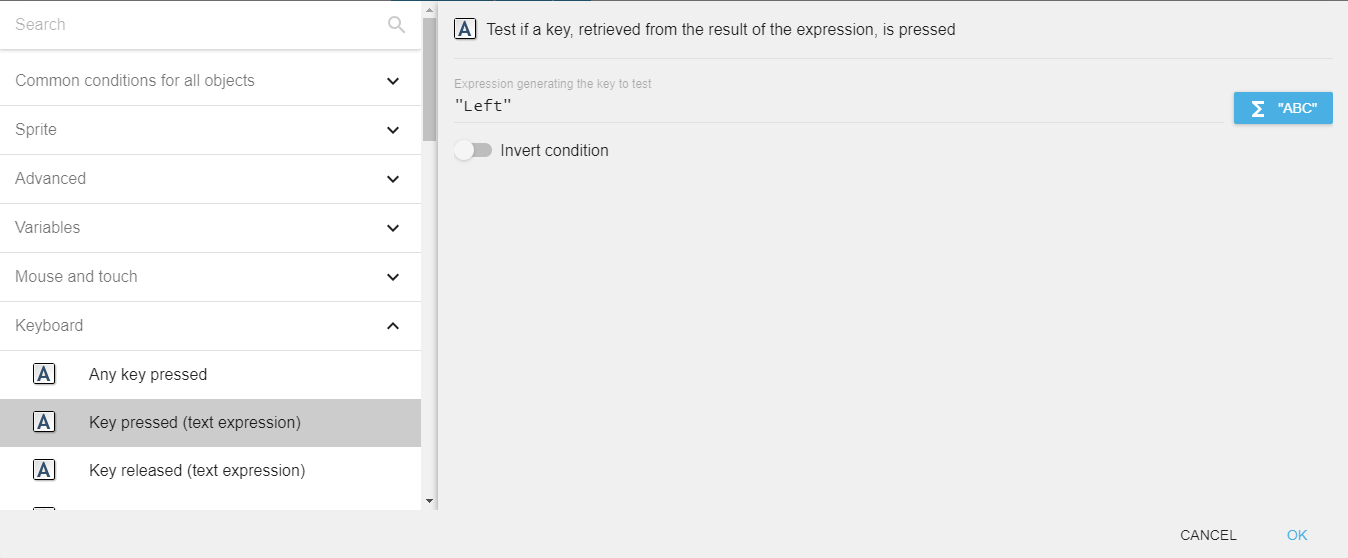
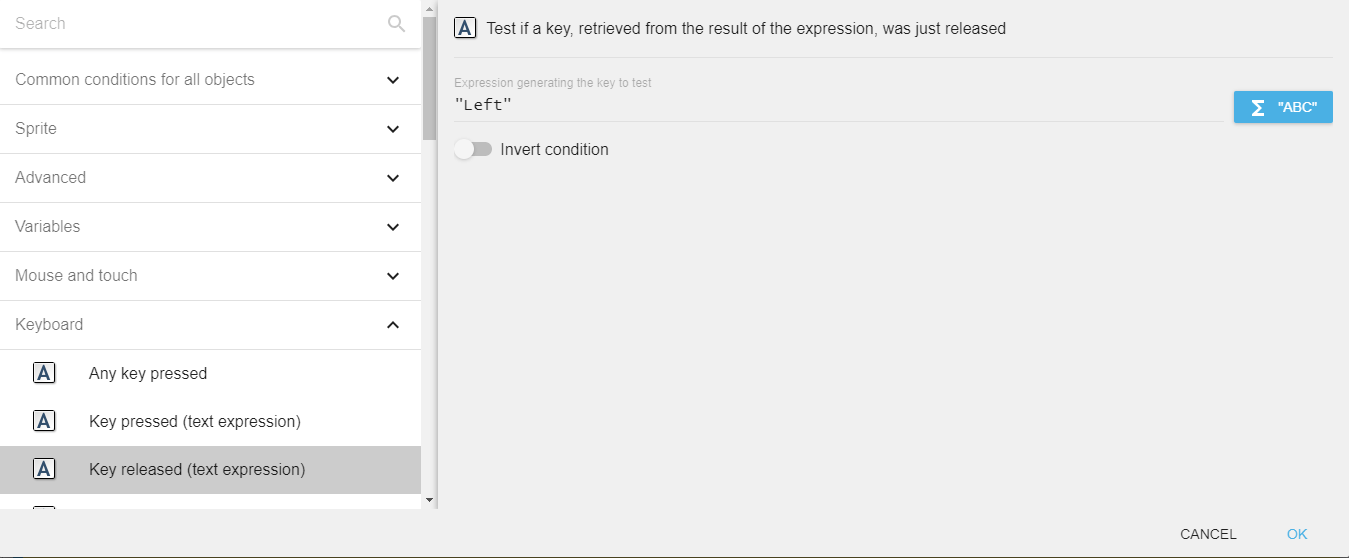
Key pressed / Key released (text expression)
The same conditions as above, but the key name is provided as a text expression rather than chosen from a picker. This is useful when the key to check is stored in a variable.
For example, to check if the left arrow key is held, enter "Left" in the field.
Danger
Make sure that the key name is surrounded by quotes when entering a literal string.
Last key pressed
The LastPressedKey() expression returns the name of the most recently pressed key as a string. For example, if the player pressed the left arrow key, it returns "Left".
Key names reference
The following names can be used with the text-expression variants of keyboard conditions:
| Category | Key names |
|---|---|
| Letters | a – z |
| Number row | Num0 – Num9 |
| Numpad digits | Numpad0 – Numpad9 |
| Arrow keys | Left, Right, Up, Down |
| Function keys | F1 – F12 |
| Common keys | Space, Return, Escape, Back, Tab, Delete, Insert |
| Navigation | Home, End, PageUp, PageDown |
| Modifiers | LShift, RShift, LControl, RControl, LAlt, RAlt |
| Numpad operators | Add, Subtract, Multiply, Divide |
| Punctuation | SemiColon, Comma, Period, Quote, Slash, BackSlash, Equal, Dash, LBracket, RBracket, Tilde |
| Other | Pause, Menu |
Key names are case-sensitive.
Reference
All actions, conditions and expressions are listed in the keyboard reference page.